
Responsive trackpad
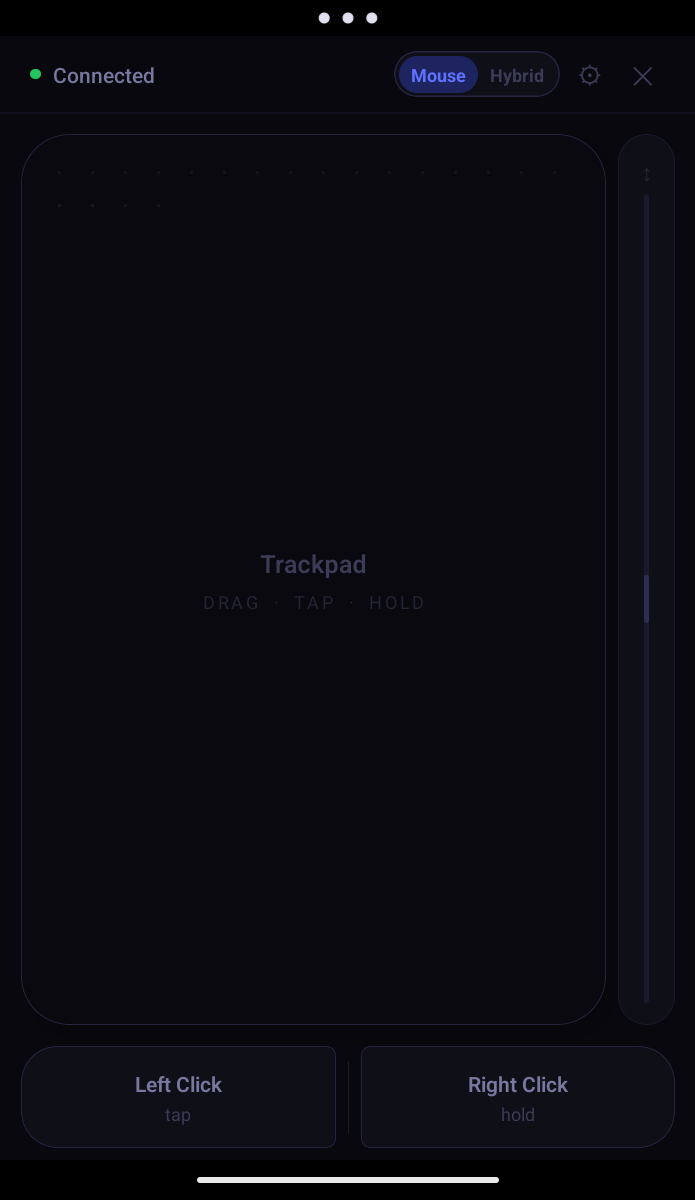
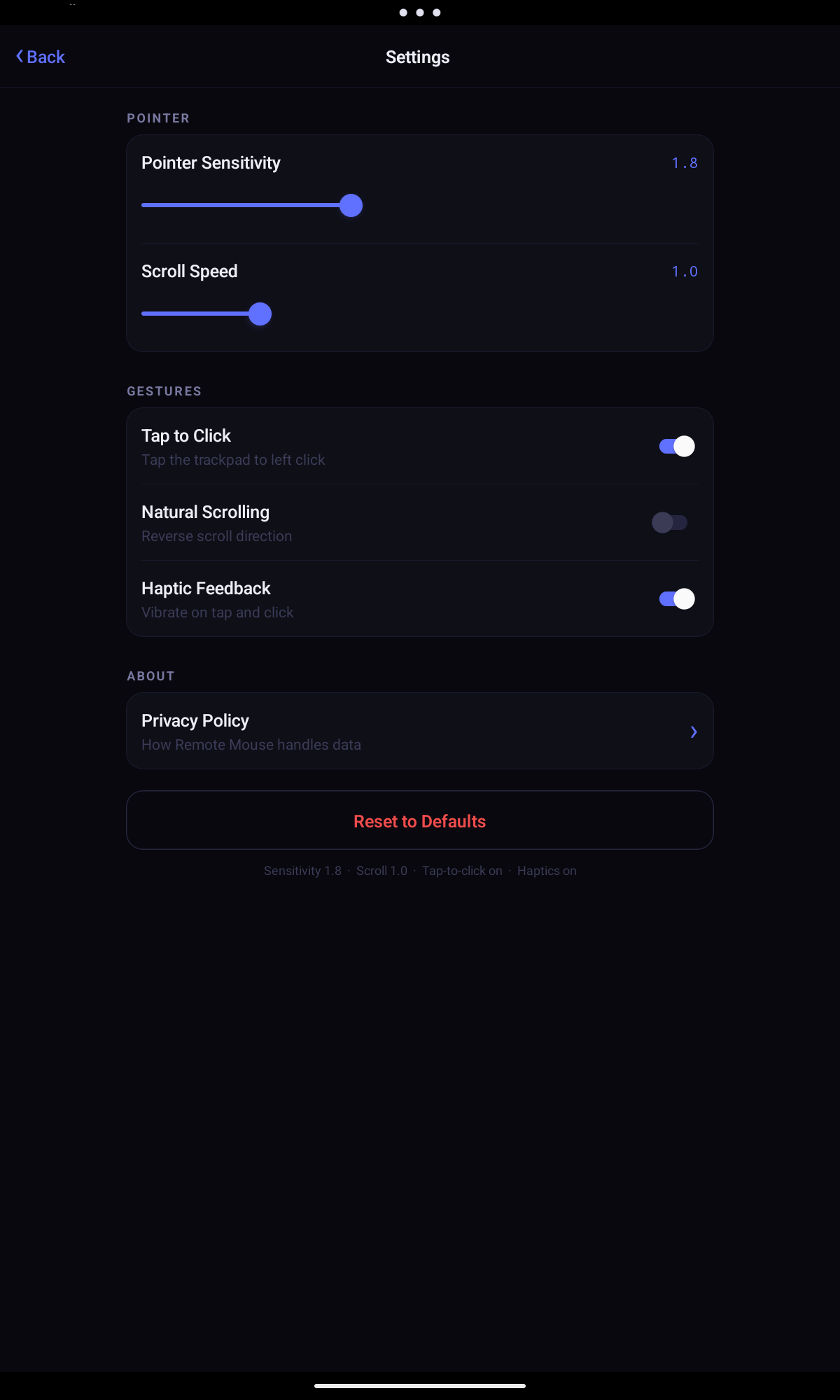
Smooth, low-latency cursor movement. Left click, right click, drag mode, and a scroll strip — all on one screen.
 Sidrion Labs
Sidrion Labs
Sidrion Labs
Windows · iPhone · Android · Local network · Free
Turn your iPhone or Android phone into a wireless trackpad and keyboard for your Windows PC. Connect over Wi-Fi in seconds — no cloud, no cable, no extra software.
See it in action
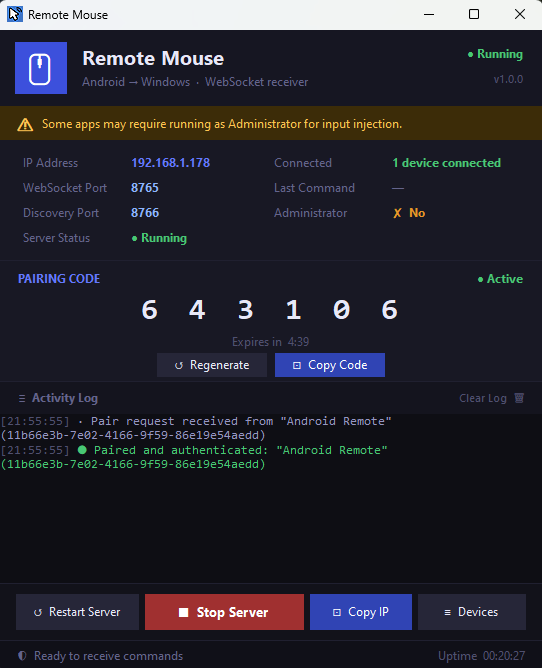
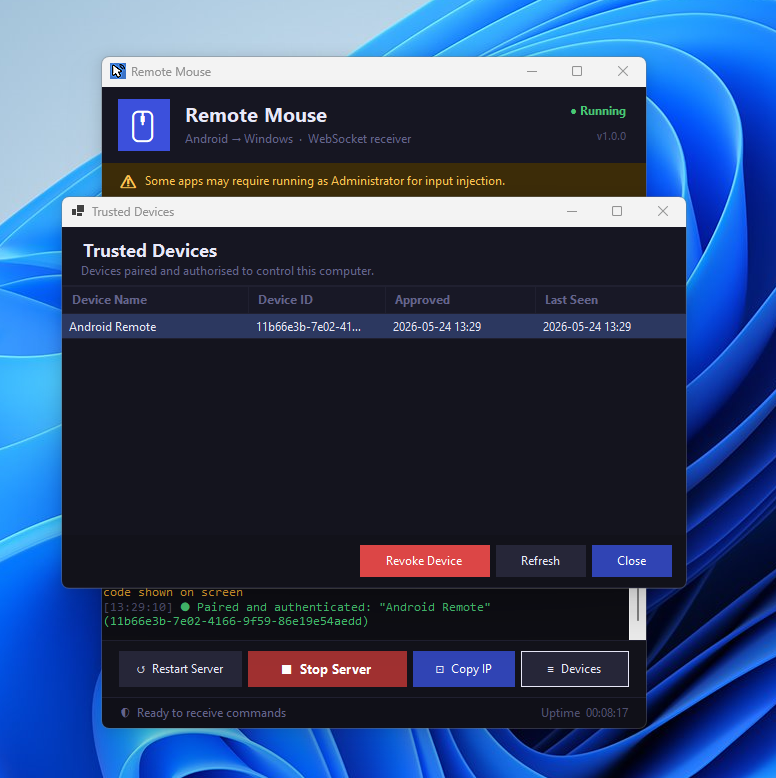
The host app runs on your PC and shows a pairing code. The iPhone or Android app connects over Wi-Fi and gives you a full trackpad and keyboard.
Features
Everything you need to use your PC from the couch, a meeting room, or anywhere in range.
Smooth, low-latency cursor movement. Left click, right click, drag mode, and a scroll strip — all on one screen.
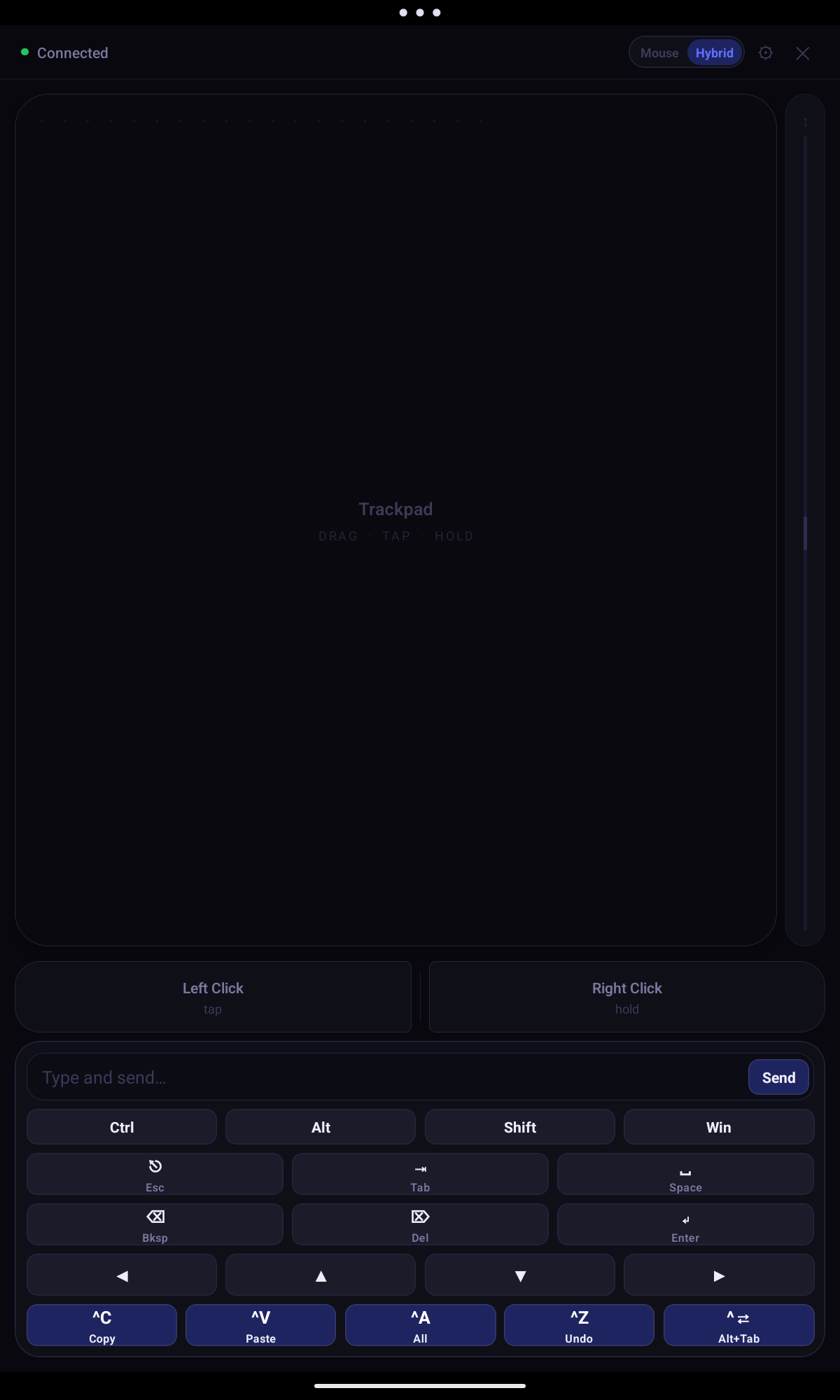
Type text and fire shortcuts — Ctrl+C, Alt+Tab, arrow keys, Esc, Enter, and more — directly from your phone.
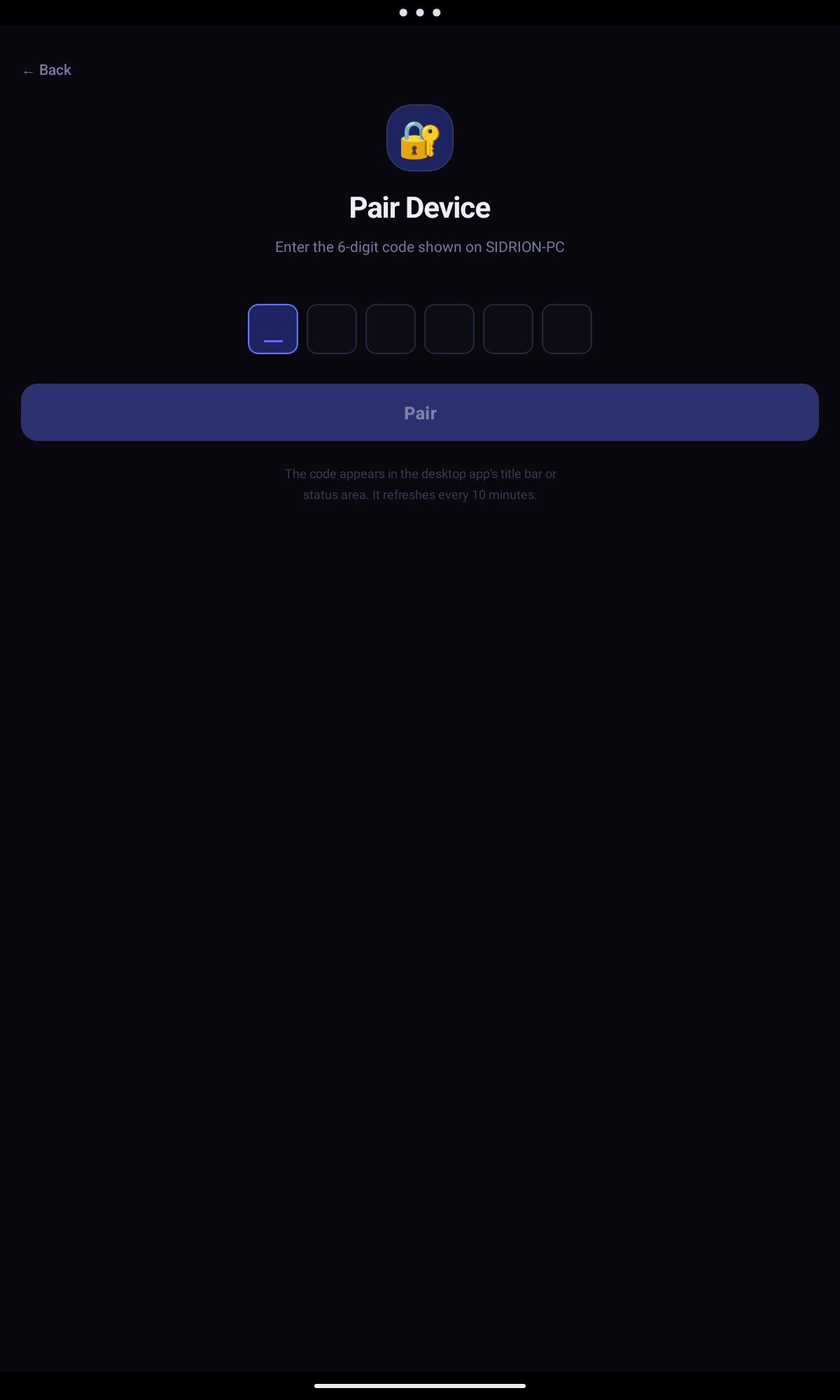
A 6-digit one-time code authenticates your device before any input is accepted. No unauthorised connections.
All traffic stays on your local Wi-Fi network. Nothing is relayed through the cloud or external servers.
The phone discovers the host automatically. No IP addresses, port forwarding, or extra setup needed.
The installer runs per-user with no UAC prompt. Standard accounts can install and use Remote Mouse freely.
Setup
Run the installer on your Windows 10 or 11 PC. No admin rights needed. The host launches and shows a pairing code.
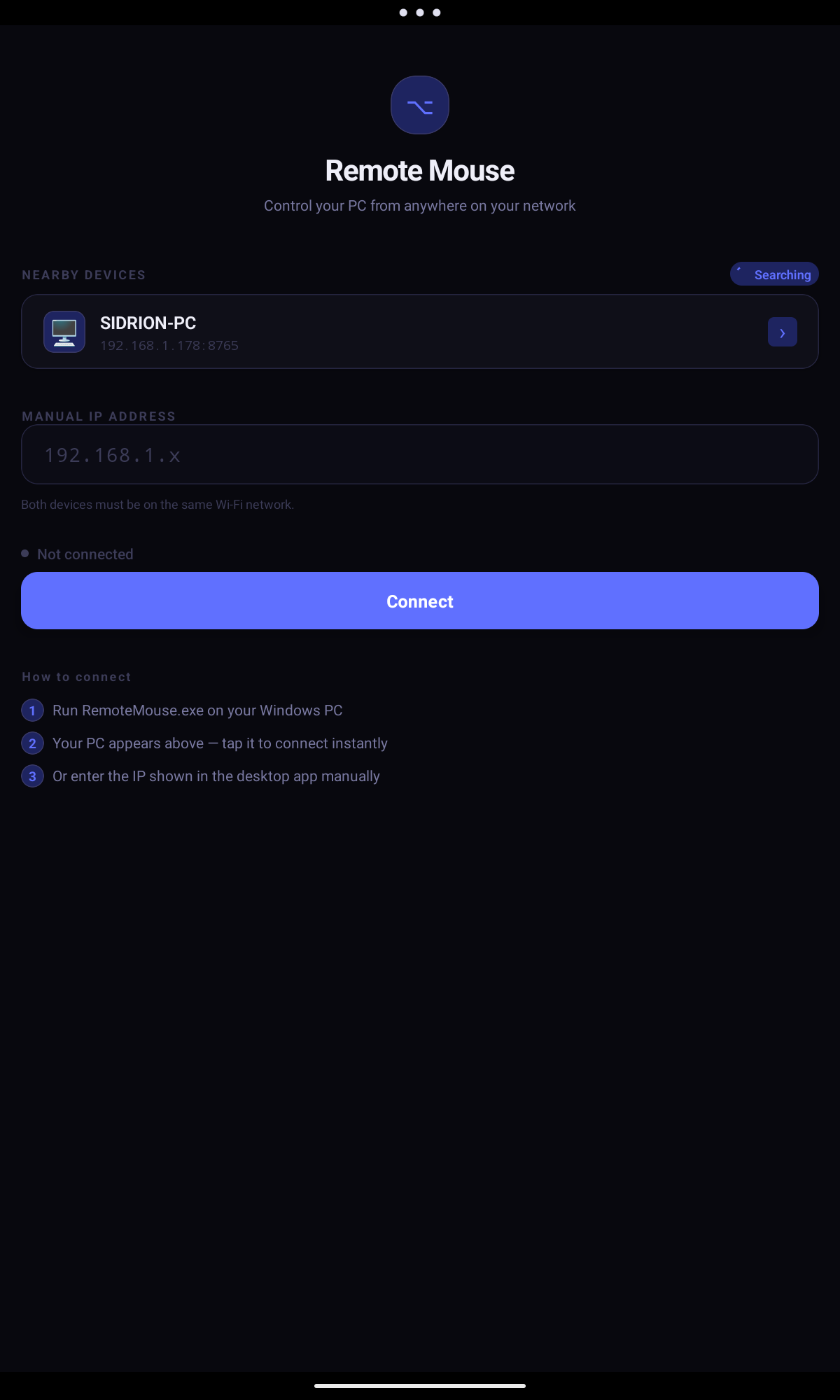
Connect your phone and PC to the same local network. The mobile app discovers the host automatically.
Tap your PC in the app, enter the 6-digit code, and you are in. Full trackpad and keyboard, ready to use.
Gallery
A full walkthrough of the Remote Mouse mobile app and Windows host.
Android App
Windows Host
Products
Available now · Windows, iPhone & Android
Control your Windows PC wirelessly from your iPhone or Android phone over local Wi-Fi. The Windows Host and mobile apps are available now.
FAQ
Not yet. The host app requires Windows 10 or 11 (64-bit). macOS and Linux support may be added in future releases.
Yes. Remote Mouse is available for iPhone on the App Store and for Android on Google Play.
No. All communication is direct between your phone and PC over your local network. No external servers are involved.
The current Windows installer is not code-signed yet. If SmartScreen appears, click More info then Run anyway. Code signing is planned for a future release.
No. The installer runs per-user under %LocalAppData% with no UAC prompt required. Standard accounts work fine.
Yes. The Windows Host, iPhone app, and Android app are free to download and use.